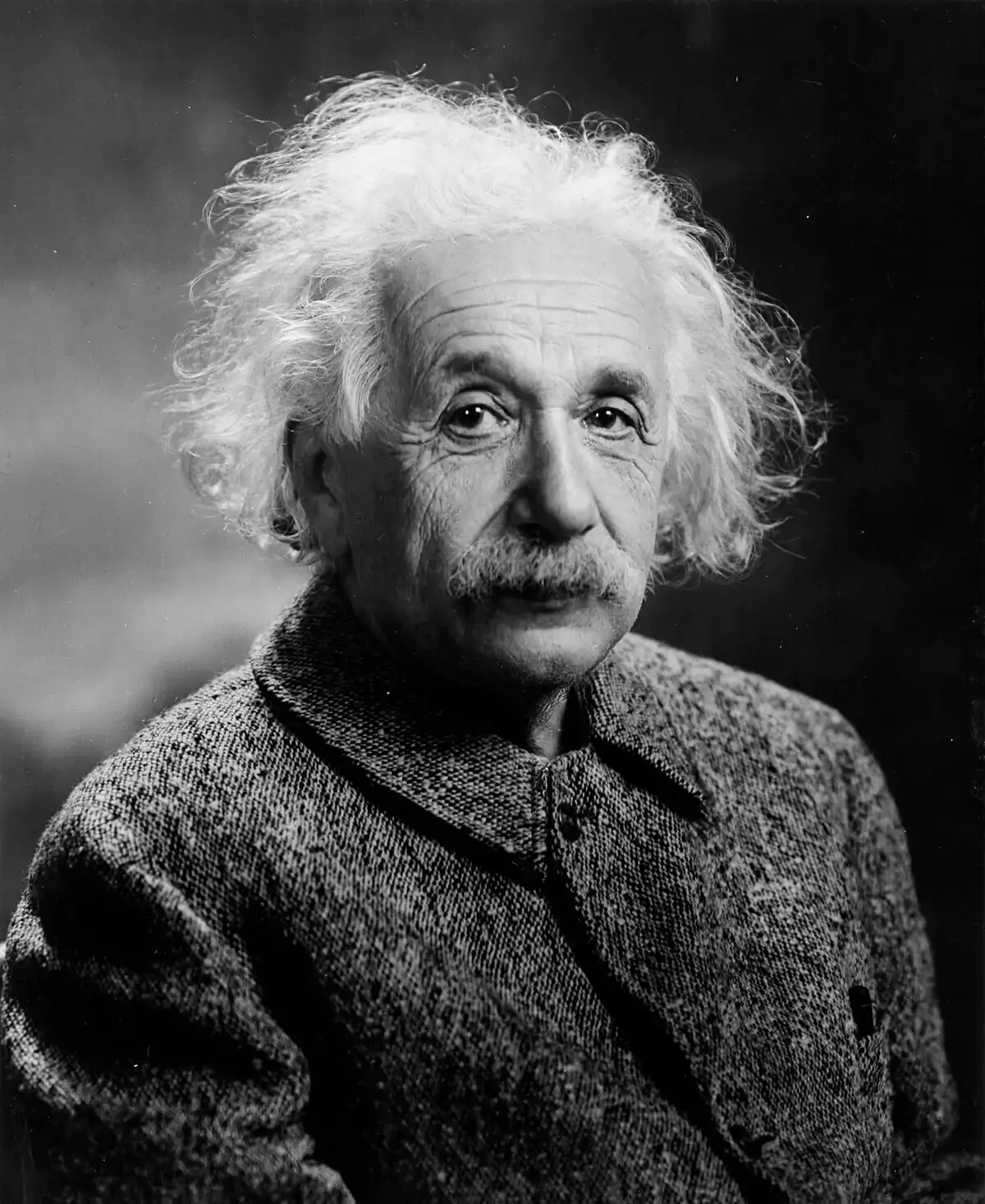
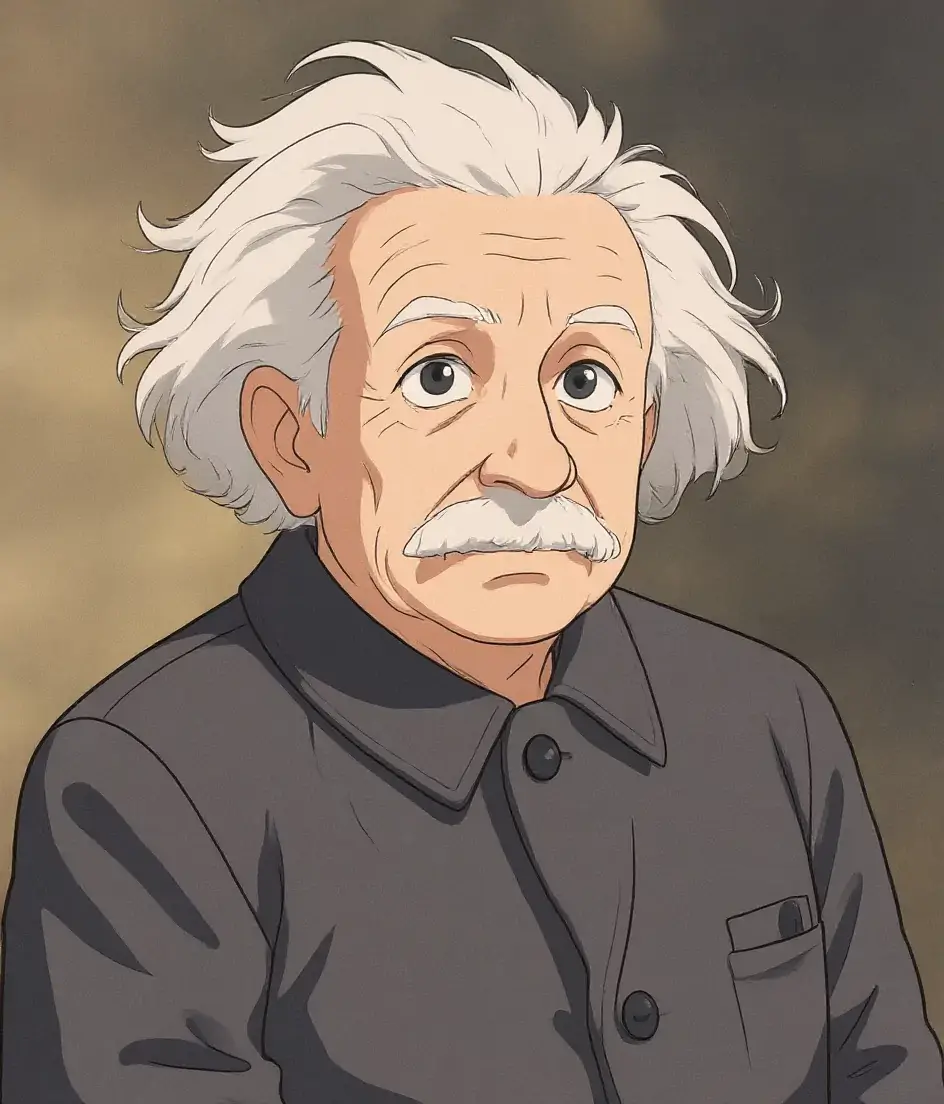
Transform the visual style
Apply a clear artistic direction while preserving the subject, pose, composition, and recognizable details.
Convert the image to a hand-painted animated-film style.Open custom edit
Upload an image, describe one precise change, and download the result. No account, no watermark, and no model menu.
Upload an image and describe the change you want to make.
KontextFlux sends only the prepared copy and edit instruction to a third-party AI provider after you submit.Privacy details
These before-and-after pairs show the kinds of focused changes contextual editing handles well. They demonstrate the task shape—not a guaranteed result for every source image.
Apply a clear artistic direction while preserving the subject, pose, composition, and recognizable details.
Convert the image to a hand-painted animated-film style.Open custom edit

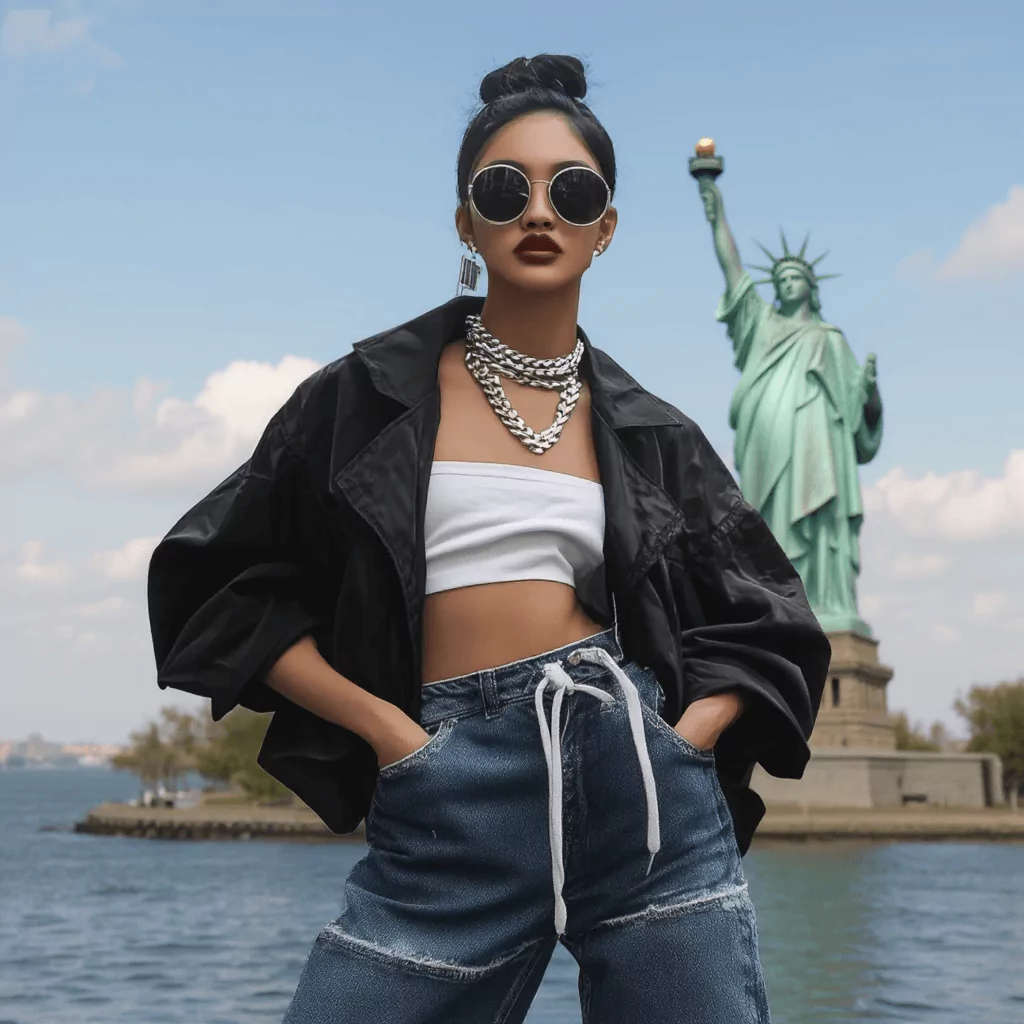
Keep the subject while replacing the environment and matching perspective, scale, and light.
Replace the background with a distant Statue of Liberty view.Open background editor
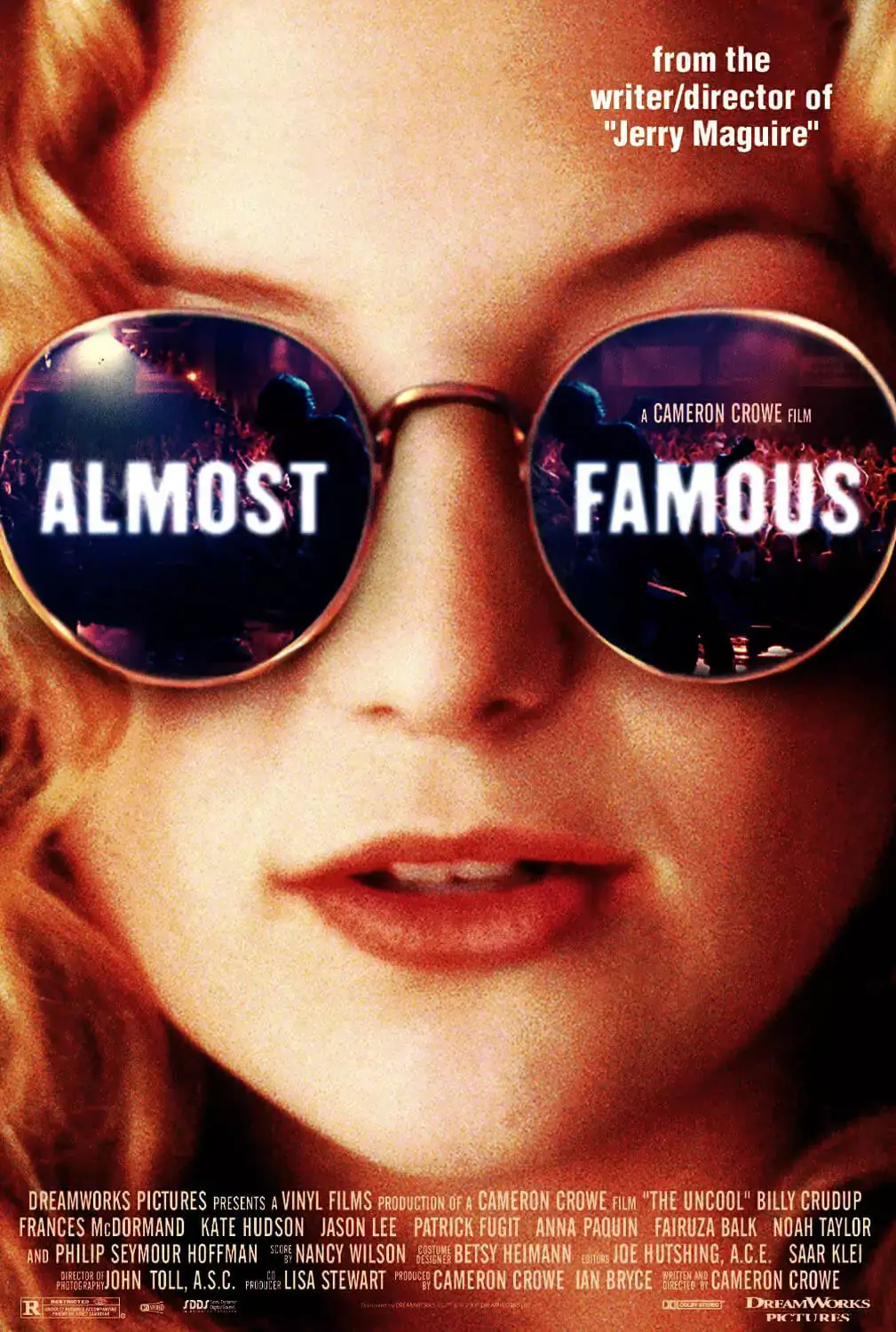
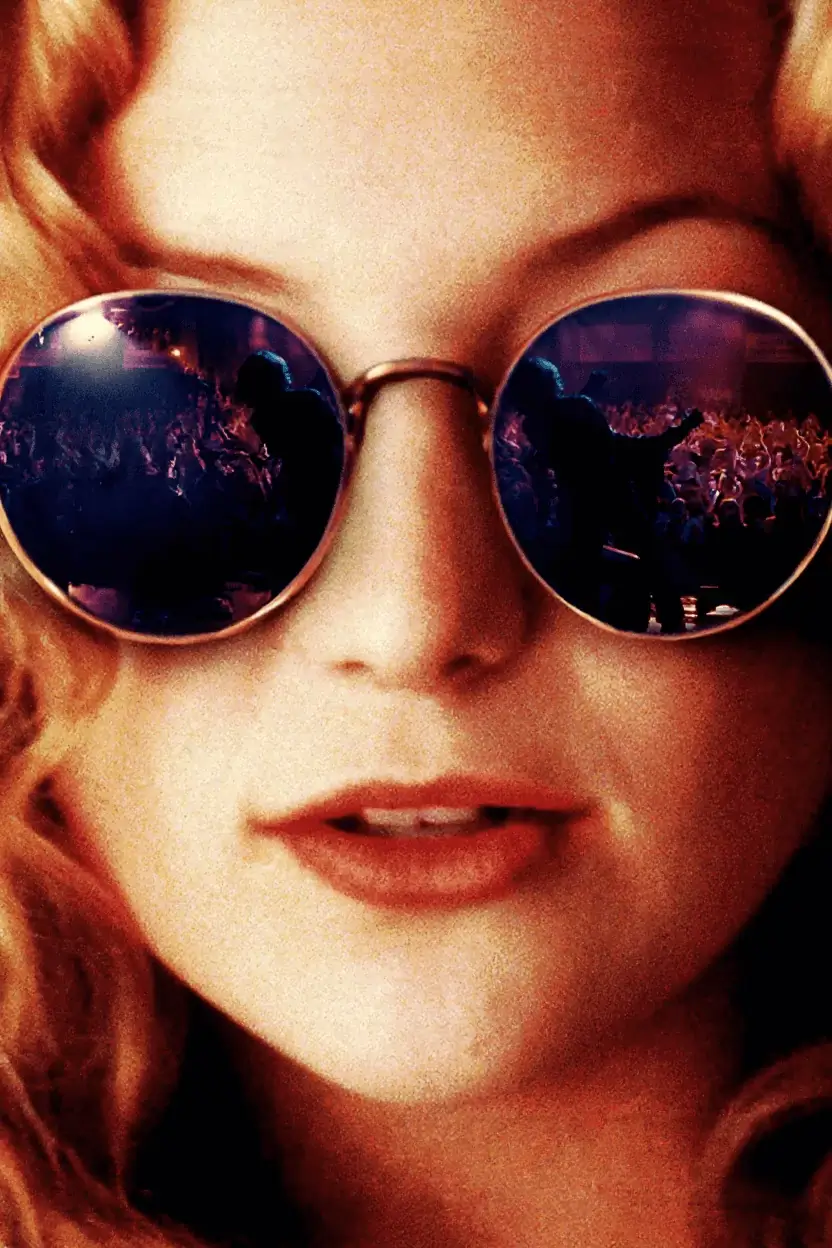
Use a single precise instruction to clean visible lettering while preserving the surrounding image.
Remove all visible text and reconstruct the background naturally.Open custom edit
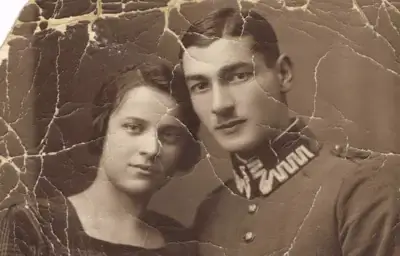
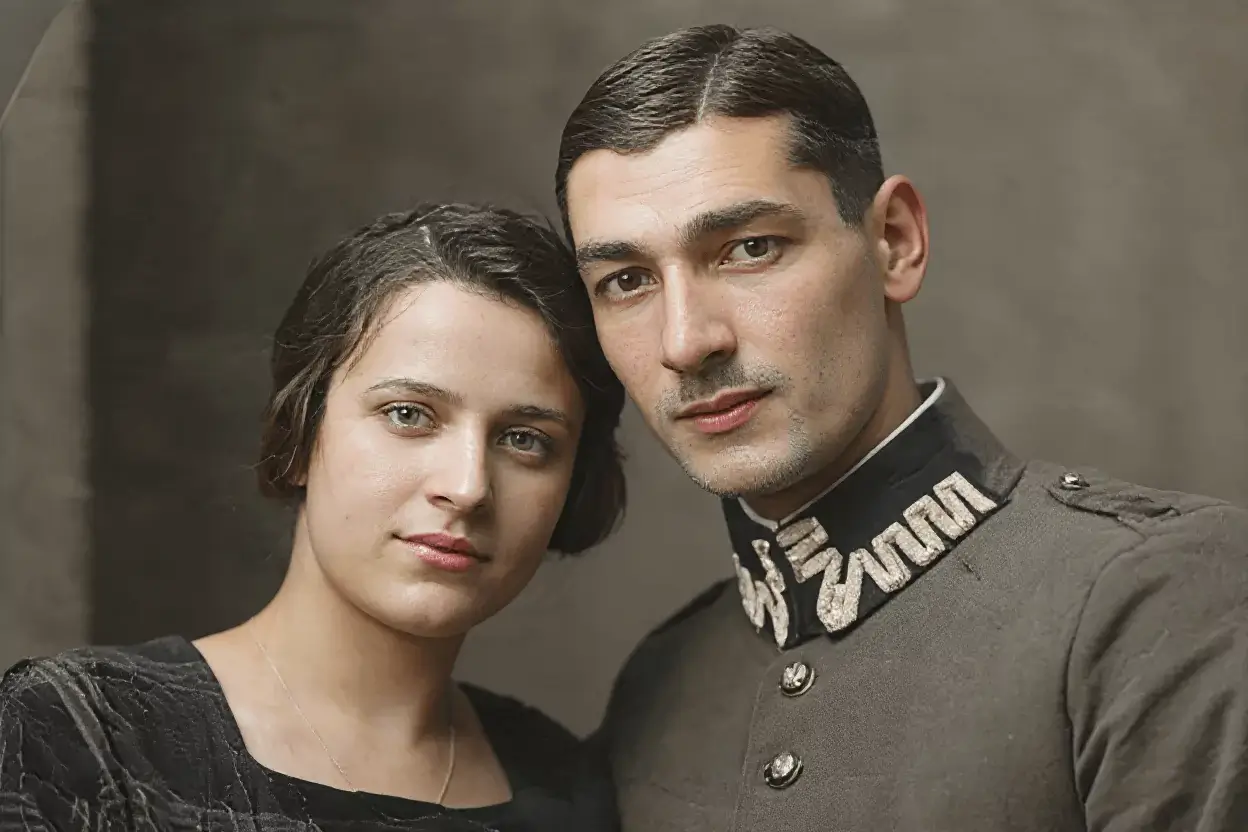
A focused custom edit can restore color and repair scratches without turning the tool into a multi-step project app.
Restore the color and remove scratches and damage.Try a custom instruction
A focused editing workflow keeps the source image and one requested change at the center of the experience.
Structured task fields tell the model what to change and what must remain intact.
Replace text, change a background, recolor an object, or describe one custom edit without prompt guesswork.
Inputs and outputs are temporary, results are private, and local resize or format tools keep working without AI capacity.
Drag, paste, or choose a JPG, PNG, or WebP file.
Use focused fields to describe the exact visible change.
Complete the abuse check and submit one protected job.
Inspect the before-and-after result before publishing.
Everything needed for a focused edit, with the expensive and distracting product layers removed.
The editor builds preservation-focused instructions from clear task fields.
Upload, configure, generate, compare, and download from one focused page.
A draggable before-and-after comparison helps catch altered details.
Resize, compress, convert, and remove metadata directly in the browser.
No public gallery, no permanent public result URL, and short retention windows.
Clear browser, network, and daily limits protect the shared provider budget.
Start with the job you need done instead of choosing a model or learning a prompt syntax.
Update words on posters, labels, signs, menus, and screenshots.
Keep the subject and move it into a studio, lifestyle, or outdoor scene.
Create product, vehicle, clothing, furniture, or interior color variants.
Clean distractions and reconstruct the surrounding scene naturally.
Place an existing product in a polished commercial environment.
Describe one bounded edit while asking the model to preserve everything else.
Build and copy a structured edit instruction without using AI capacity.
Export WebP, JPG, or PNG versions locally after loading an image.
Eligible anonymous visitors receive one free AI edit in the current 24-hour window. Browser-local resize, compress, convert, metadata removal, and prompt-building tools remain free without AI capacity.
No. The first eligible edit uses a signed anonymous browser session, Turnstile, and exact server-side quota checks instead of an account wall.
No public gallery is created. Prepared inputs and generated results are stored privately for short retention periods and result access requires the same anonymous session plus a signed token.
JPG, PNG, and WebP are accepted. The browser prepares a size-limited copy and removes metadata before submission.
Browser, network, daily-budget, and provider-cooldown limits prevent automated users or an overloaded upstream provider from consuming the shared free capacity.
Yes. Generated output is probabilistic. Always inspect labels, logos, product claims, colors, hands, faces, and other important details before publishing.
Upload one image and make one clear change with the free task-first editor.
Start editing free